Some project links open a separate application that you will use to complete the project. Some projects are completed within the project launcher.
Projects completed within the project launcher are collectively known as Roxio Central. Roxio Central projects typically follow a three-step process:
- Select a project.
- Follow the instructions.
- Click the action button.
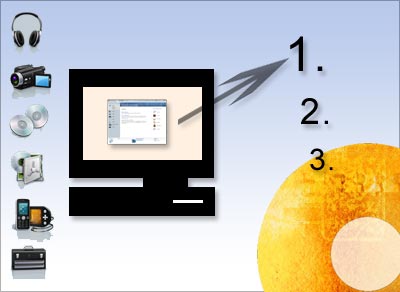
Step-by-step:
To start a new project, do one of the following:
- Choose File > New Project, then choose a project from one of the submenus.
- Click on a project category in the project list. A list of projects appears. Click on a project name to start a new project of that type.
- Click on a project category in the project list. If a project guide is listed, click on it. Descriptions of all the projects on that tab are listed in the project window. Click on one of these descriptions to start a project of that type.