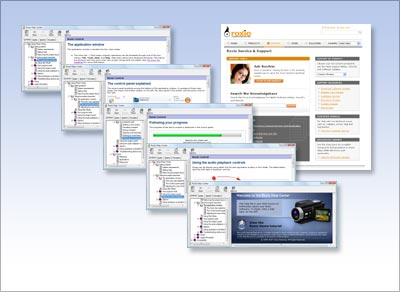
As you create your own projects, you will have these sources of information to guide you:
- Help
- Click the Help menu and select Help.
- Text pop-ups
- Hold your mouse cursor over almost any feature and a small text window will open explaining the purpose of that feature.
- Technical support
- If you have an Internet connection, this selection on the Help menu will take you to a technical support site where you will find answers to frequently asked questions, additional product information, and technical support.
- Associated programs
- Some projects are performed by components that are opened by the project launcher. In many cases, these associated programs have their own Help files with additional information about the project you are performing.